Skip to content Skip to footer

Excel India Tech’s Interactive Touchscreen Panels offer a state-of-the-art platform for dynamic communication, blending precision touch technology with ultra-high-definition display quality to create an immersive, intuitive experience. Engineered for multi-touch performance, these panels support writing, drawing, gesture control, and real-time collaboration—making them perfect for classrooms, meeting rooms, digital training environments, and customer-facing applications. They run on a powerful smart operating system that enables smooth content sharing, wireless screen mirroring, cloud connectivity, and seamless integration with popular conferencing and learning software.

With durable, anti-glare glass, wide viewing angles, and long-life LED backlighting, they deliver clear, consistent visibility in any lighting condition. Advanced features like remote device management, content scheduling, intelligent annotation tools, and built-in audio make them a complete solution for interactive presentations, digital learning, product demonstrations, and self-service information points. Designed for reliability and performance, Excel India Tech’s Interactive Touchscreen Panels empower businesses and institutions to communicate more effectively, engage audiences deeply, and transform everyday interactions into meaningful digital experiences.

Key Features

Features Icon (1)

Recognizes multiple touchpoints simultaneously for smooth writing, annotation, zooming, and gesture-based interaction.

Features Icon (1)

Delivers sharp, vibrant visuals with high brightness, rich color accuracy, and wide viewing angles for clear visibility from any position.

Features Icon (1)

Built-in writing, highlighting, erasing, and shape recognition tools enhance presentations, lessons, and collaborative sessions.

Features Icon (1)

Dual-OS capability for running apps, browsing, conferencing, and integrating with professional software platforms.

Features Icon (1)

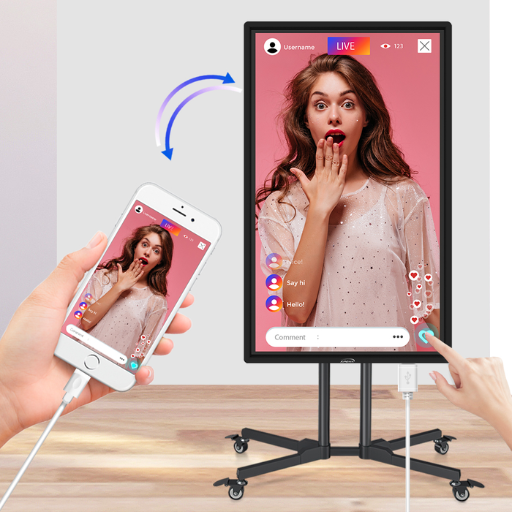
Connects laptops, tablets, or smartphones without cables for instant content sharing during meetings or classes.

Features Icon (1)

Allows remote updates, content scheduling, file access, and real-time collaboration through cloud-enabled platforms.

Features Icon (1)

Designed for heavy, continuous use with high-strength tempered glass that reduces reflections and maintains clarity.

Features Icon (1)

High-quality built-in speakers provide clear, room-filling sound without the need for external audio devices.

Features Icon (1)

Monitor, control, update, and troubleshoot multiple panels across locations through a central management interface.

Features Icon (1)

HDMI, USB, Type-C, LAN, Wi-Fi, and Bluetooth support ensures compatibility with modern devices and peripherals.

Features Icon (1)

Long-lasting LED technology reduces power consumption while delivering stable performance.

Features Icon (1)

Flexible installation choices suitable for classrooms, conference rooms, showrooms, and public spaces.

Types of Interactive Touchscreen Panels

Informational Content

  • Maps and Wayfinding:
    • Interactive maps of a building, campus, or shopping mall.
    • Directions to specific rooms, stores, or points of interest.
  • Event Schedules:
    • Real-time updates on conferences, concerts, or public events.
    • Filter by date, category, or location.
  • Product Information:
    • Detailed specs, pricing, and availability in retail or showrooms.

Promotional Content

  • Advertisements & Promotions:
    • Interactive product demos.
    • Coupons or QR codes that can be redeemed instantly.
  • Featured Products or Services:
    • “Swipe to see more” galleries.
    • Videos or 360° views.

Interactive Experiences

  • Quizzes & Polls:
    • Engage users with fun or informative quizzes.
    • Collect opinions or feedback.
  • Games & Challenges:
    • Branded mini-games or challenges to attract attention.
  • Social Media Integration:
    • Live social media feed or hashtag wall.
    • Ability to post directly from the kiosk.

Service & Self-Service Tools

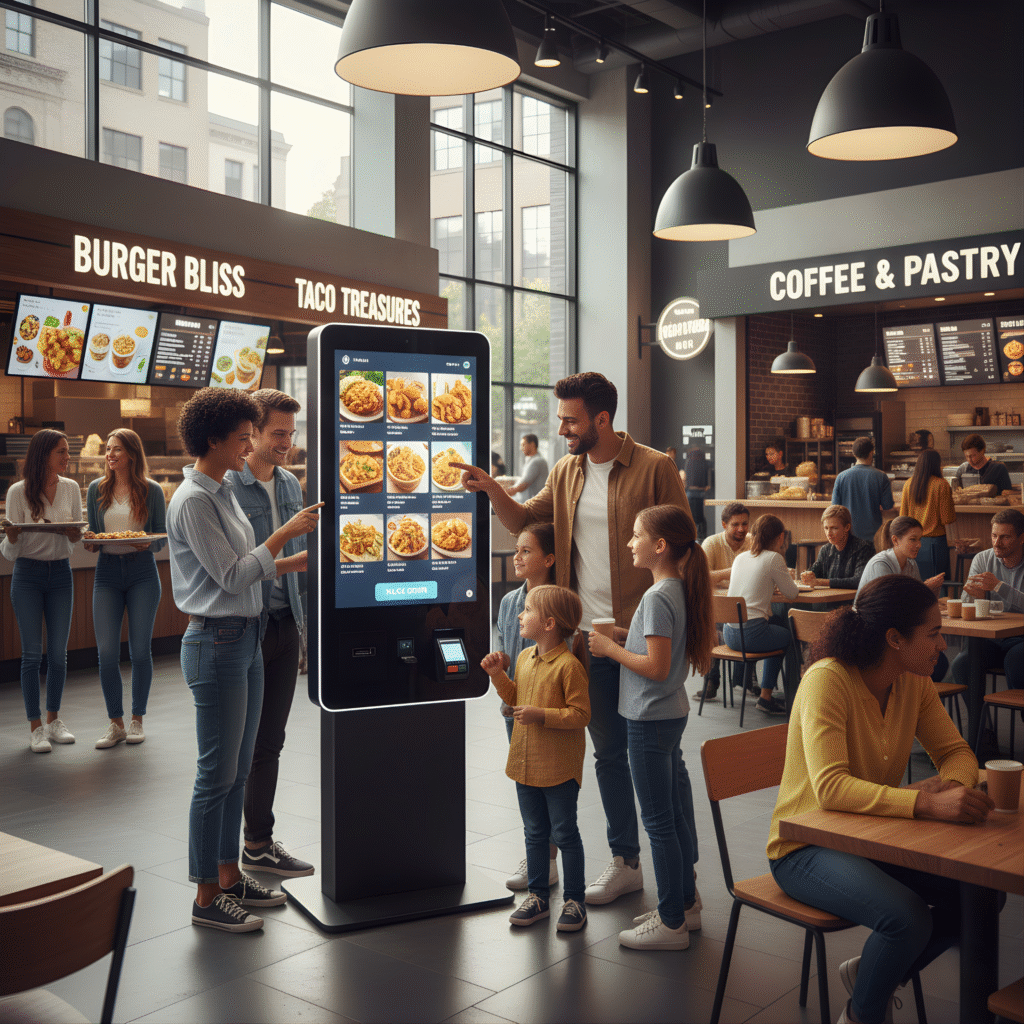
  • Ticketing & Booking:
    • Event tickets, appointments, or restaurant reservations.
  • Customer Feedback & Surveys:
    • Touchscreen feedback forms or ratings.
  • Check-in or Registration:
    • Event check-in, loyalty program registration, or membership signup.

24/7 Usage

Free Scheduling Software

IPS Panel Technology

LED Backlight

Eco Power Timer

Dual Display

Interactive Touchscreen Panels Portfolio

Interactive Touchscreen Panels by Excel India Tech transform the way people engage with digital content, offering smooth multi-touch functionality and immersive, user-friendly navigation. Designed for education, corporate presentations, retail engagement, and wayfinding, these panels deliver exceptional clarity, quick response, and intelligent software integration. With stunning visuals and smart interactivity, they help you communicate, collaborate, and captivate your audience effortlessly.

Digital Information and Advertisement screens

Stand out from the crowd with our Digital Information & Advertisement Screens. Designed with ease-of-use, for your Exhibition, Corporate Event or Meeting & More.

We’re here to help you engage with more of your customers while making life easier for you and your staff. Our reliable Digital Information Screens help people gather the information they need, quickly, enhancing customer experience or simply getting your messages out there and noticed.

Common Applications of Interactive Touchscreen Panels

Mall Directory:

Home screen: Map overview + categories (Food, Fashion, Electronics)
Tap a store → Show directions, store info, and promotions.

Hotel Lobby Kiosk:

Check-in/Check-out functionality + Local attractions & restaurant recommendations.
Interactive weather or transport info.

Retail Store:

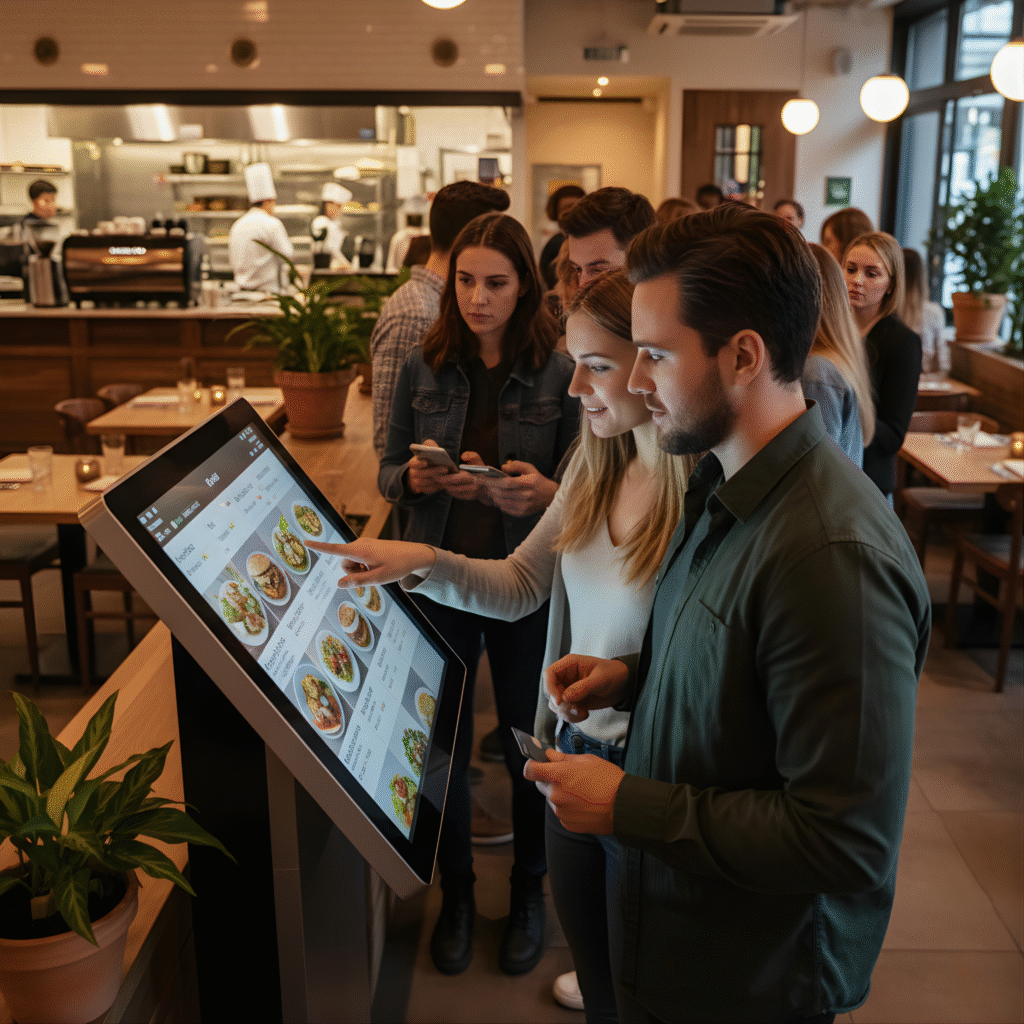
Browse product catalog → See details & availability. + Add to cart or scan QR code to buy online.
“Try It On” virtual AR experience.

Corporate Office:

Interactive company directory + Upcoming meetings/events displayed dynamically.
Visitor registration.

Video Gallery

Playlist

5 Videos

Frequently Asked Questions

An Interactive Touchscreen Panel is a digital display that allows users to write, touch, swipe, and interact directly with the screen, making presentations and learning more engaging.

They are ideal for classrooms, corporate meeting rooms, training centers, retail environments, showrooms, and public information kiosks.

Yes, Excel India Tech panels support multi-touch functionality for smooth writing, collaboration, and gesture-based control.

They come with a smart Android OS and can also support Windows through an external OPS or connected device.

Yes, panels come in multiple sizes such as 55”, 65”, 75”, 86”, and more, depending on the requirement.

Trusted Partners